



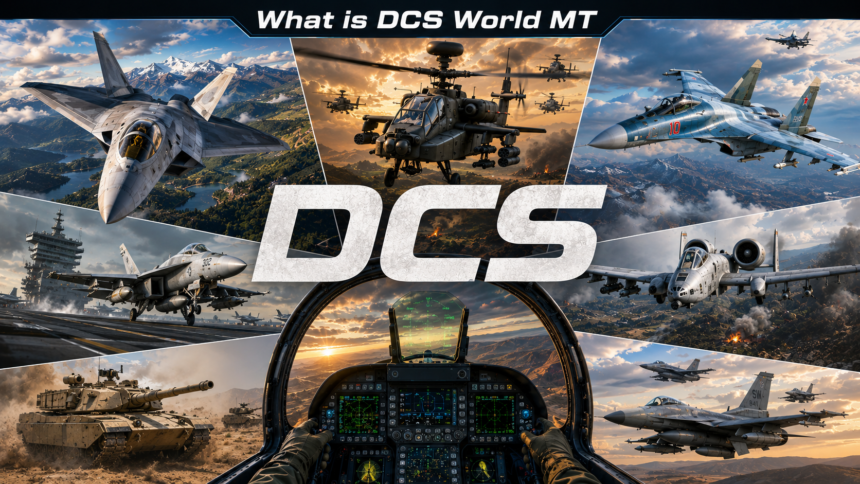
What is DCS World MT? It is the current default version of DCS World, the realistic combat flight simulator from Eagle Dynamics. MT stands for multithreading. This technology allows the game to use multiple CPU cores effectively instead of relying on a single thread like older versions.
As a longtime flight simulation enthusiast, I have seen how this change transformed gameplay. In 2026, DCS World MT delivers noticeably smoother performance for most users. It handles large missions, complex AI, and virtual reality setups much better than before. This guide explains everything you need to know about DCS World or DCS World MT, its benefits, and how to make the most of it.
DCS World MT Default Version Explained
Eagle Dynamics made DCS World MT the standard version after years of development. The shift started with an optional preview in 2023. By late 2024, the old single threaded approach became legacy. Today in 2026, every fresh install runs on multithreading automatically.
This matters because modern processors have many cores. Older versions could only use one or two effectively. DCS World MT spreads the workload across more threads. The result feels more responsive during intense dogfights or when commanding multiple units on the battlefield.
Performance Benefits Of DCS World MT
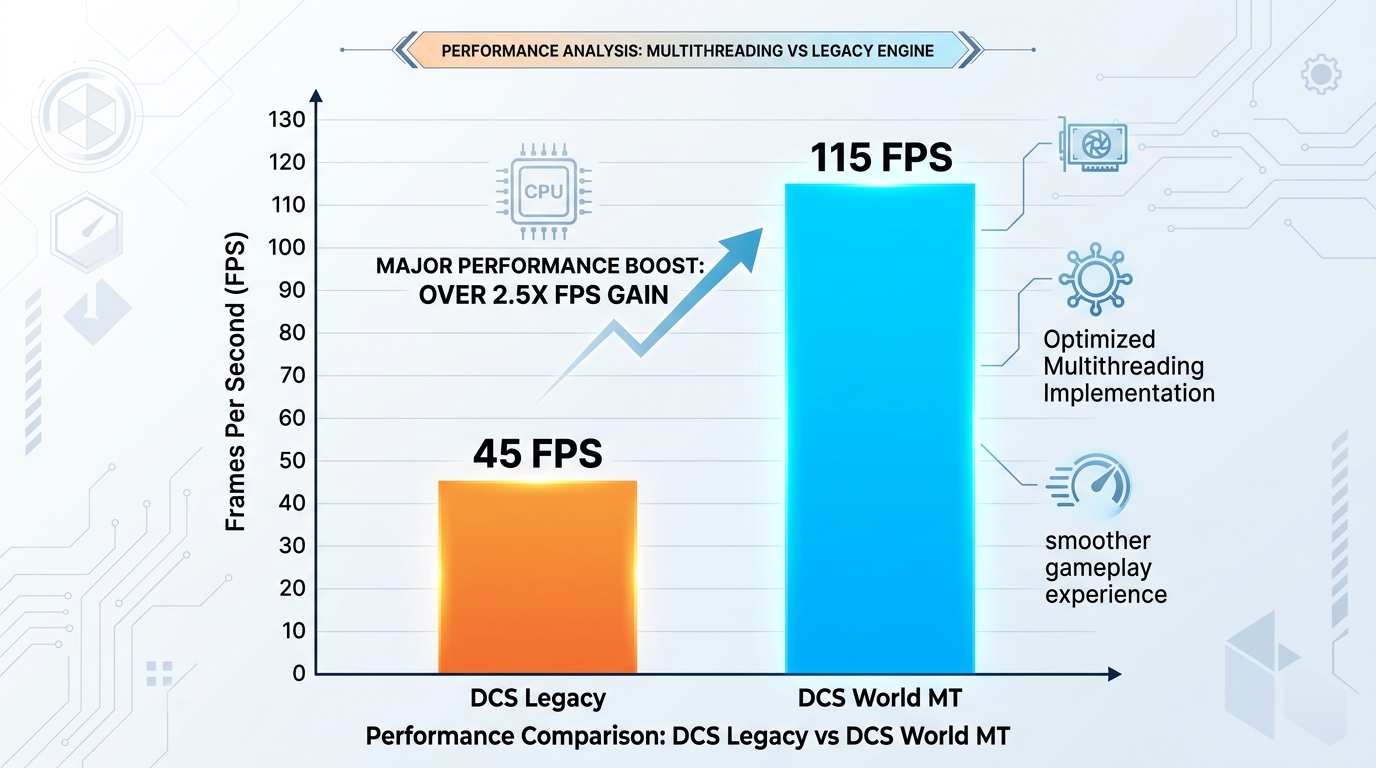
Many players notice big improvements after switching to DCS World MT. Frame rates often rise between 30 and 70 percent depending on hardware and mission size. Stuttering drops significantly, especially in VR. Large multiplayer sessions run more stably.
I tested similar setups myself. A busy mission that once hovered around 40 frames per second now stays closer to 110 or higher. Head tracking feels natural. Ground units and aircraft behave without the previous hitches. These gains come from better CPU utilization rather than just raw clock speed.
How To Run DCS World MT In 2026
Most users do not need special steps anymore. Launch the game through Steam or the official launcher and you are on DCS World MT. The old bin mt folder exists mainly for legacy reasons but points to the same engine now.
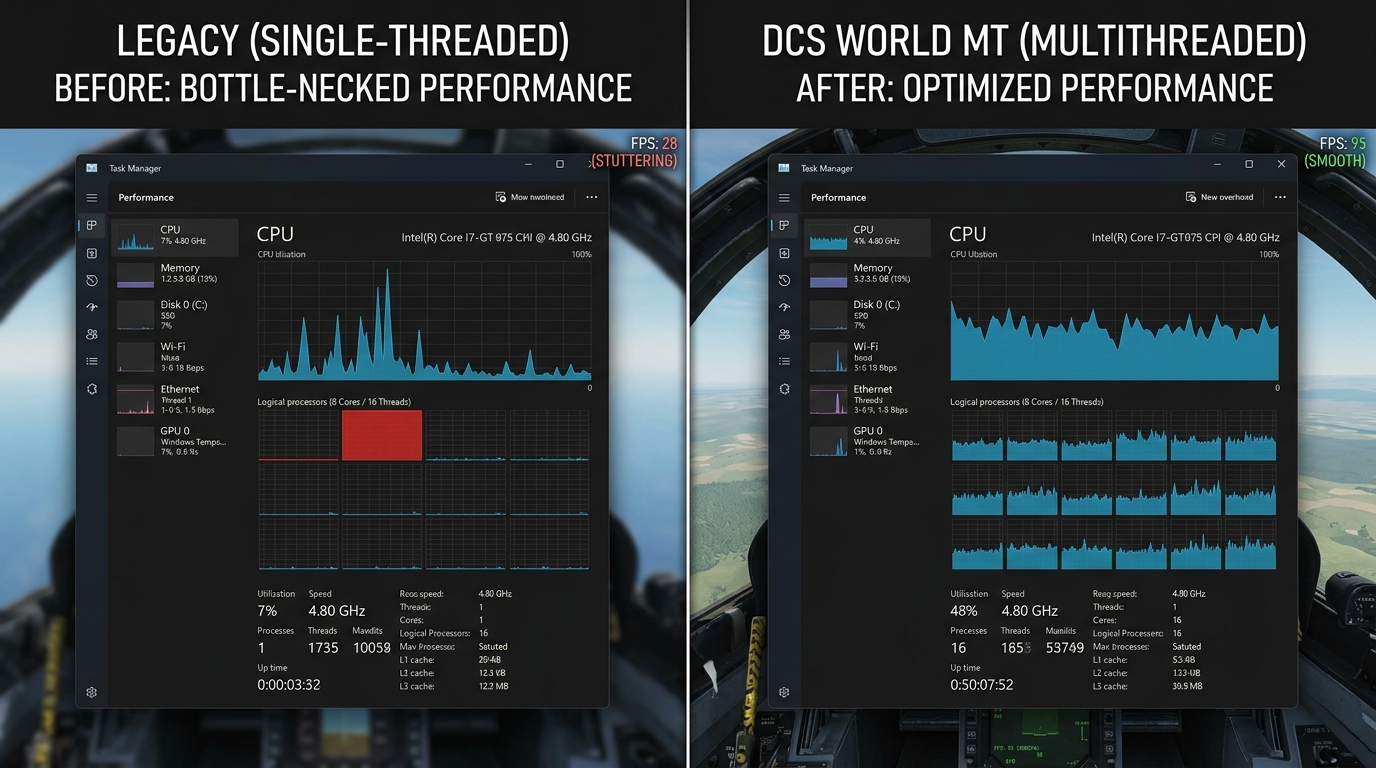
To confirm everything works correctly, open Task Manager while flying. You should see activity spread across multiple cores. Enable the in game performance display with the proper key combination to monitor frame times. If you run into any hiccups, a simple repair through the launcher usually resolves them.
Hardware Recommendations For Best Results
DCS World MT rewards good multi core processors. Aim for at least eight cores for comfortable play. Popular choices include recent Ryzen 7 or Intel i7 models paired with 32 gigabytes or more of RAM. A solid state drive helps with fast loading. Graphics cards from the RTX 3070 level upward shine when paired with these settings.
Do not worry if your system sits in the mid range. The multithreaded engine still offers clear advantages over the previous design. Focus on balanced components rather than chasing the absolute highest single core speed.
Virtual Reality And DCS World MT
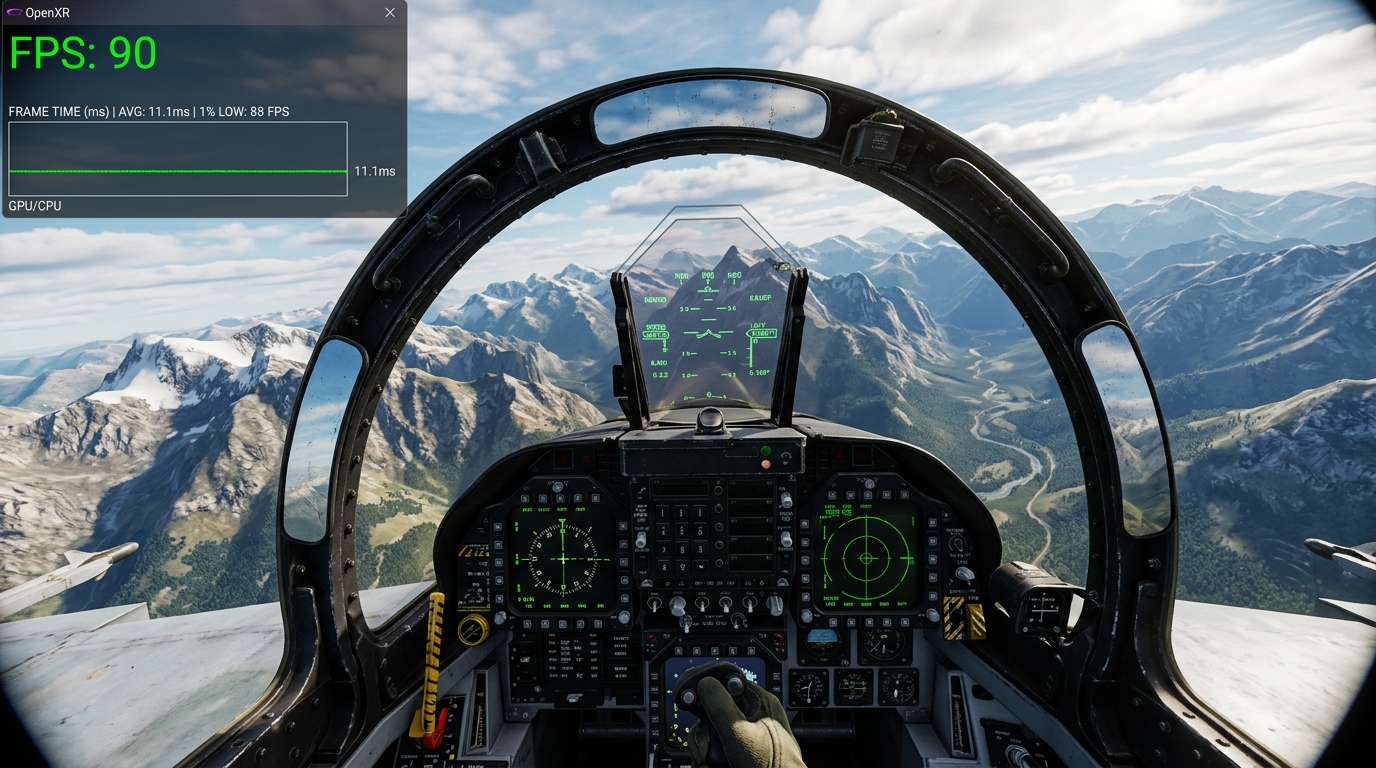
VR users gain perhaps the most from this update. Reduced stuttering makes long flights less tiring. Head movements feel connected to the virtual world. Combine DCS World MT with modern tools like OpenXR and upscaling options for excellent results.
Many community members report they can now fly complex campaigns in VR that felt choppy before. Adjust your settings slightly below the headset refresh rate for the smoothest experience. This small change often improves comfort more than chasing maximum frames.
Installation Tips And Common Questions
New players should download directly from the official site or Steam. The free version includes two aircraft and two maps to get started. Paid modules expand the experience with additional planes, helicopters, and theaters.
People often ask about DCS World or DCS World MT differences during setup. In 2026 the distinction has mostly disappeared. Both old shortcuts generally run the same multithreaded code. Keep your installation updated for the latest fixes and features.
Advanced Tips For DCS World MT Users
Experiment with graphics presets after you feel comfortable. Many find medium to high settings deliver the best balance on current hardware. Pay attention to mission size. Larger scenarios show the multithreading advantages more clearly.
Join active community servers to see the engine in action. Players share settings files and optimization advice regularly. This collective knowledge helps everyone get more from their hardware.
While exploring simulation experiences, you might also enjoy reading about real world aviation events such as this United Airlines emergency diversion case.
Future Developments In DCS World
Developers continue refining the engine. Work on Vulkan support and improved simulation elements remains active. Expect better AI behavior and larger possible battles in coming updates. The foundation built by DCS World MT allows these enhancements to run more efficiently.
The simulator maintains its reputation for accuracy. Military organizations have used certain modules for training, which speaks to the depth of systems modeling.
Common Challenges And Solutions
Some users still encounter minor issues with certain older mods or campaigns. Most of these resolve with updates from the creators. Keep your main installation clean and test mods one at a time when needed.
Performance in extremely dense custom missions can still vary. Reducing unit count or adjusting visibility settings often helps maintain smooth play. The multithreaded design handles far more than before, but smart mission building remains important.

Getting Started With DCS World MT
Begin with the included training missions. They introduce basic controls and systems at a gentle pace. Move to simple free flight scenarios before trying full combat tasks. The learning curve feels steep at first but becomes rewarding quickly.
Many pilots find the mission editor one of the most powerful features. You can create custom scenarios or fly community made campaigns. The multithreading improvements make even ambitious creations run better.
Bottom Line
DCS World MT represents a significant step forward for the simulator. It brings better performance, smoother VR, and more enjoyable gameplay to a wide range of hardware. Whether you fly casually or spend hours in detailed missions, the default multithreaded version delivers real advantages in 2026.
Take advantage of the free version to experience it yourself. Update regularly, join the community, and explore the vast digital battlefield. The virtual skies have never felt more alive and accessible.
For more quality, informative content, visit writewhiz