


GenPPT Review 2026: The Best AI PowerPoint Generator That Saves You Hours
We all know that feeling. You have a big presentation coming up — a client pitch, a class project, a team meeting — and you open PowerPoint, stare at a blank white screen, and suddenly feel like time is melting away.
Hours later, you’ve got something that looks… okay. Not great. Just okay.
That was me, every single time.
Then I found GenPPT — and honestly, it changed the way I work.
In this review, I’m going to walk you through everything you need to know about GenPPT: what it is, how it works, who it’s for, and whether it’s worth your money. No fluff, just real talk.
What Is GenPPT?
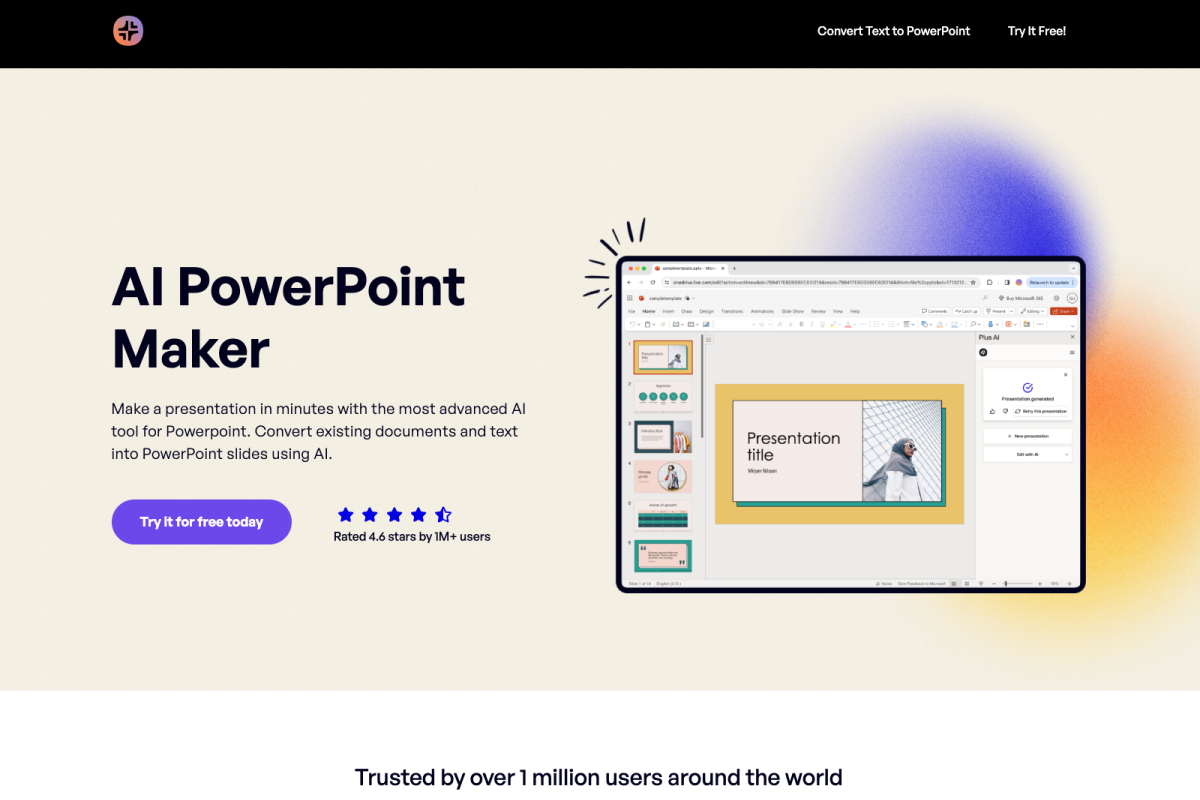
GenPPT is an AI-powered presentation maker that takes a simple text prompt and turns it into a fully-designed, professional slide deck — in under a minute.
You don’t need design skills. You don’t need to know anything about color theory or layout. You just type what your presentation is about, hit generate, and the AI does the heavy lifting.
It’s used by over 40,000 people — students, marketers, business owners, sales managers, and educators — all of whom have one thing in common: they want great presentations without wasting their whole day making them.
How Does GenPPT Work?
It’s honestly simpler than you’d expect. Here’s the basic process:
Step 1: Go to the website Head over to GenPPT and click “Get Started.” You can start with a free trial.
Step 2: Enter your topic Type in what your presentation is about. Be as specific or as general as you like. For example: “A 10-slide pitch deck for a fitness app targeting millennials” or “A presentation on the history of the Roman Empire.”
Step 3: Let the AI research and generate Here’s where GenPPT stands out from other tools. Instead of just throwing generic content at you, it actually researches your topic first. It uses advanced AI models (including Gemini 2.5 Pro and Sonnet) to pull together relevant information, real statistics, and meaningful points.
Step 4: Review your slides In about 30–60 seconds, you’ll have a full slide deck ready. You can then use the built-in chat interface to make adjustments — change the tone, add a slide, remove a section, or ask the AI to expand on a particular point.
Step 5: Export and use Export your finished presentation as a PowerPoint (.pptx), PDF, or even share it directly. Done.
What Makes GenPPT Different?
There are a lot of AI presentation tools out there. So why use GenPPT instead of the others?
1. It Actually Researches Your Topic
Most AI presentation tools just rearrange generic content. GenPPT goes deeper. When someone tested it on a content marketing topic, the generated slides included real statistics about content marketing ROI — not just fluffy placeholder text.
Think of it like having a research assistant who reads everything relevant and then writes your slides. That’s the difference.
2. The Chat-Based Editor Is Really Useful
Once your presentation is generated, you’re not stuck with the output. You can chat with the AI to make changes. Want a different tone? Ask for it. Want to split one slide into two? Just say so. It feels conversational, not clunky.
3. It Generates Images Too
GenPPT includes built-in AI image generation, so your slides don’t just have good text — they look good visually. It can also pull real images from Unsplash if you prefer photography over AI art.
4. Clean PowerPoint Exports
One of the biggest frustrations with AI tools is that the exported files are a mess when you open them in PowerPoint. With GenPPT, the export is clean and properly formatted, so you can open it, make minor edits if needed, and present it without embarrassment.
5. Speed That Actually Delivers
A full 10-slide deck in under a minute. That’s not marketing language — that’s what actually happens. For anyone who’s spent 3+ hours on a single presentation, this feels almost magical.
Who Is GenPPT Best For?
GenPPT is genuinely useful for a wide range of people. Here are some of the best use cases:
Students: Whether you’re working on a class project, a thesis presentation, or a seminar, GenPPT gets you from zero to a solid first draft in seconds. One college student called it a semester-saver.
Business Professionals: Sales managers, consultants, and executives use it for client pitches, quarterly reviews, and strategy decks. When a last-minute presentation pops up (and it always does), GenPPT is a lifesaver.
Marketers: Creating campaign presentations, marketing strategy decks, or social media pitches is way faster when the AI handles the structure and content.
Entrepreneurs: If you need a pitch deck to present to investors, GenPPT can help you create a polished, persuasive presentation that communicates your idea clearly.
Educators: Teachers and trainers can use it to quickly build lesson slides, seminar content, and educational materials without spending half their weekend on it.
Freelancers: If you create presentations for clients, GenPPT cuts your production time dramatically — meaning you can take on more work or deliver faster.
Real User Reviews
Don’t just take my word for it. Here’s what real users are saying:
“GenPPT saved my semester! I create all my class presentations here in minutes instead of hours.” — Sarah M., College Student ⭐⭐⭐⭐⭐
“The speed is unmatched. Perfect for last-minute client presentations.” — Michael T., Sales Manager ⭐⭐⭐⭐½
“The AI does the job it was supposed to do — which is get rid of all the boring stuff. It works awesome, it looks awesome, it is awesome.” — Verified User ⭐⭐⭐⭐⭐
These aren’t edge cases. This kind of feedback shows up consistently across reviews because GenPPT genuinely delivers on its promise.
GenPPT Pricing — Is It Worth It?
Here’s the pricing breakdown:
| Plan | Price | What You Get |
| Free Trial | 3 days for $1 | Test drive everything |
| Pro Plan | $9/month | Great for regular users |
| Growth Plan | $19/month | Unlimited presentations |
| Annual Plan | $99/year | Best value if you use it regularly |
For context — the average professional spends about 2.5 hours creating a single presentation. With GenPPT, that drops to under 10 minutes. If your time is worth anything at all, the pricing pays for itself after your first use.
The 3-day trial is a great way to test it out with your own real projects before committing to a plan.
What GenPPT Does Well (Pros)
- ✅ Incredibly fast — full presentation in under 60 seconds
- ✅ Content is actually researched, not generic filler
- ✅ Chat-based editor makes refinements easy
- ✅ Built-in AI image generation
- ✅ Clean PowerPoint and PDF exports
- ✅ Great for a wide variety of use cases
- ✅ Affordable pricing compared to the time it saves
- ✅ No design skills needed
What Could Be Better (Cons)
- ❌ Manual drag-and-drop editing is limited (you rely on the AI chat to make edits)
- ❌ No direct sharing or live presentation mode inside the platform
- ❌ The free trial requires credit card info upfront
- ❌ Template library is smaller compared to some competitors
These are real limitations, and worth knowing. But for most users — especially those who want speed and solid content — they’re minor trade-offs.
GenPPT vs. The Competition
How does GenPPT stack up against other popular AI presentation tools?
GenPPT vs. Gamma: Gamma is great for design and visual appeal. GenPPT wins on content quality and depth of research. If you want stunning design, Gamma is strong. If you want well-researched, substantive slides, GenPPT is the better pick.
GenPPT vs. Canva AI: Canva has an enormous template library and great design tools. But Canva’s AI presentations tend to be more surface-level. GenPPT goes deeper on content.
GenPPT vs. Plus AI: Plus AI works directly inside PowerPoint and Google Slides, which is great for teams already using those tools. GenPPT is better as a standalone fast-generator when you need something from scratch.
The verdict: If content quality is your priority and you want professional slides fast, GenPPT is consistently rated as one of the best options available right now.
My Honest Take
I’ll be real with you — no AI tool is going to replace your expertise or your own voice in a presentation. GenPPT gets you 80% of the way there incredibly fast, but you’ll still want to read through the slides, make sure the information matches your specific situation, and add your own personal touch.
But that’s not a criticism — that’s just how it works best. The AI handles the heavy, time-consuming part. You handle the polish and personalization.
And when I compare spending 3 hours building a presentation from scratch versus 10 minutes reviewing and tweaking an AI-generated one? The choice is obvious.
Final Verdict: Should You Try GenPPT?
Yes — especially if:
- You create presentations regularly and hate how long they take
- You struggle with design or layout
- You want slides with real research and substance behind them
- You need something fast for a deadline
- You’re a student, professional, or entrepreneur who values your time
The $1 three-day trial makes it a zero-risk way to test it with your own real projects.
👉 Try GenPPT Free for 3 Days →
Stop staring at blank slides. Let the AI do the hard part, and spend your energy on what actually matters — delivering a great presentation.
Affiliate Disclosure: This post contains affiliate links. If you click through and make a purchase, I may earn a small commission at no extra cost to you. I only recommend tools I genuinely believe in.
For more quality, informative content, visit writewhiz